
A few years ago, getting a business website meant hiring a developer, waiting weeks, and paying anywhere from ₹20,000 to a few lakh rupees. If you were non-technical, you were completely at the mercy of whoever built it.
That world is gone. Today you can build a website with AI starting from nothing — not even an idea — and you never touch a line of code. In this guide I’ll show you the exact path: how to go from a blank page to a plan, and from a plan to a live website, using Claude.
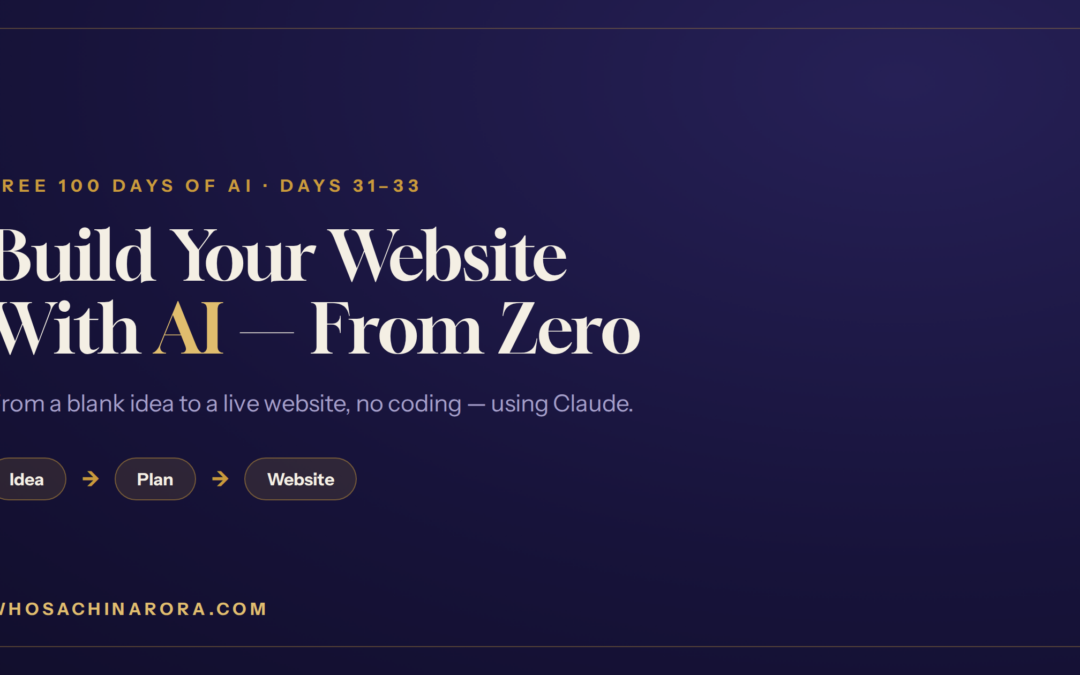
This is Days 31–33 of my free “100 Days of AI” series, put together into one complete walkthrough.
India mein AI ki kami nahi, AI ki samajh ki kami hai.
Why you can now build a website with AI (no developer needed)
The reason this is possible is simple: AI tools can now do the two hard parts for you — thinking (coming up with a plan) and building (writing the actual website). Your job is just to guide it in plain language. Let’s go step by step.
Step 1 — Get your idea and plan (Claude Chat + Cowork)
If you don’t have a business idea yet, don’t worry — that’s the easiest part to solve.
Open Claude’s chat and ask it for 5 to 10 business ideas related to your field. Give it a proper prompt — your city, your budget, your skills, what you enjoy. (This is where my RECIPE framework helps you write a prompt that gets sharp, useful ideas instead of generic ones.) Pick the ONE idea that excites you most.
Now take that idea to Claude Cowork and ask it to “create a business plan for this idea.” In a couple of minutes you’ll have a proper plan document — who your customers are, what you’ll offer, rough pricing, and a starting strategy.
(New to prompting? Read my RECIPE prompting framework first — it makes every step below work far better.)
Step 2 — Turn the plan into a real website (Claude Code)
This is the moment that used to need a developer. Now it needs one sentence.
Take the business-plan document from Step 1, open Claude Code, upload the plan, and tell it clearly: “I want to create a website for this.” Claude reads your plan and builds a real, working website for you — structure, pages, and content — based on what your business actually needs.
From “I didn’t even have an idea” to a working website, all inside Claude. No coding, no agency, no waiting.
Step 3 — The 2-minute shortcut: Artifacts
Sometimes you don’t need a full website yet — you just want to quickly see something: a simple web page, a small app, a game, or a document. For that, Claude has a feature called Artifacts.
Open a new Artifact, choose what you want (website, app, game, or document), and give it a prompt. Within about two minutes it builds the thing, live, in front of you. In my video I used it to create the classic Snakes & Ladders game — and I could play it instantly and share it with anyone through a link.
This is the fastest way to turn an idea into something real you can show people the same day.
Step 4 — Artifacts vs Claude Code: which one, when?
Both Artifacts and Claude Code can build websites, apps, games, and tools. So when do you use which? Here’s the simplest way to understand it — with the example of building a house.
Imagine you want to build a house. You have two options. Option one: build the whole house, then break it and rebuild it five or six times until people like it. Option two: make five quick blueprints (naksha), show them to your friends and investors, and then build the house from the blueprint everyone loved.
The blueprint way is obviously smarter. That’s exactly the difference:
Claude Code = the actual house. Once people are convinced and you know exactly what you want, use Claude Code to build the complete, proper setup — your real website and business.
So the smart workflow is: prototype fast with Artifacts, get feedback, then build for real with Claude Code.
You just built a business’s foundation
Look at what you did without any technical skill:
- Turned a blank page into a business idea and a written plan (Claude Chat + Cowork)
- Turned that plan into a live website (Claude Code)
- Learned to prototype ideas in minutes (Artifacts) and when to use each tool
This is the real starting point of a business. And getting a website live is only step one — next comes marketing it, and eventually running it with AI “employees.”
(This guide is part of my complete roadmap — see How to Start a Business for ₹5,000 Using AI.

If a non-technical B.Com graduate like me — who once sold newspapers and faced 12 job rejections — can build with these tools, so can you. You don’t need to become a coder. You just need to begin.
AI aapki job nahi leta, wo insaan leta hai jisne AI seekh liya.
Can I really build a website with AI without any coding?
Yes. Claude Code builds a full website from your business plan and a simple instruction like “create a website for this.” You never write any code — you just guide it in plain language.
What’s the difference between Artifacts and Claude Code?
Artifacts is for quick prototypes — like a blueprint you make in minutes to show people or investors. Claude Code is for building the real, complete website once you know what you want. Prototype with Artifacts, then build for real with Claude Code.
What if I don’t even have a business idea?
Ask Claude’s chat for 5–10 ideas in your field using a good prompt, then pick one. From there, Claude Cowork turns it into a full business plan.
Is this suitable for non-technical people?
Completely. This entire process is designed for people with zero technical background. If you can describe what you want in plain words, you can do it.
I’m Sachin Arora — an AI Trainer, Educator & Business Consultant, and a non-technical B.Com graduate who taught myself AI. I make AI simple for every Indian. If I can learn AI, so can you. Read my full story here 👉 My Story