
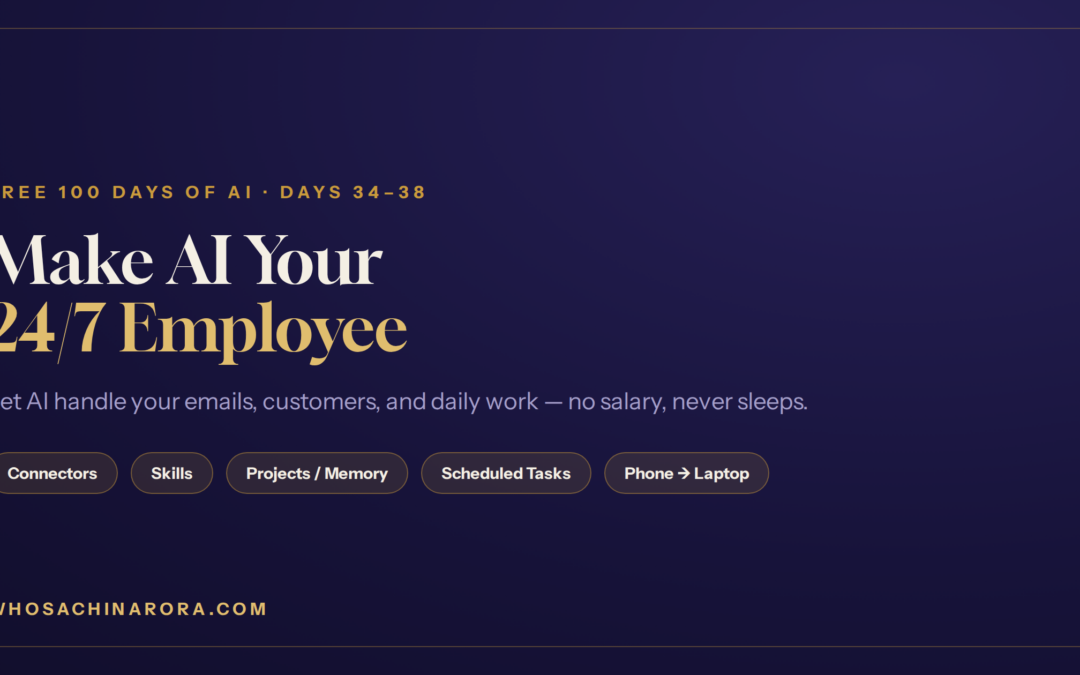
Every growing business hits the same wall: too much work, not enough hands. You need someone to reply to emails, remember your customers, prepare your daily content, and keep things running even while you sleep. Hiring people for all this costs money you may not have yet.
Here’s the good news. You can now use AI as your employee — one that works 24 hours a day, never takes leave, never asks for a salary, and never quits. In this guide I’ll show you five ways to put AI to work for your business, step by step, using Claude. No coding required.
This is Days 34–38 of my free “100 Days of AI” series, brought together into one complete guide.
India mein AI ki kami nahi, AI ki samajh ki kami hai.
Why you can now use AI as your employee
A human employee can work maybe 8 hours a day. An AI can work all 2,400 hours in a month if you let it. Once you teach it a skill or connect it to your tools, it keeps doing that job exactly the way you want — forever. Let’s set up your AI team, one role at a time.
Role 1 — Your email assistant (Connectors)
The first job to hand over is email, and for this Claude has a feature called Connectors.
In Claude, click Customize, then go to Connectors, and select your Gmail. Once you connect it, Claude has access to your inbox. Now you can ask it to write any email in your style, build any template, and — best of all — send it for you with a single click. Your email work is now automated.
And it’s not only Gmail — you can connect other tools like Slack too, so more of your daily process runs on autopilot.
Role 2 — A trained staff member who never quits (Skills)
Imagine hiring someone, teaching them one skill once, and knowing they’ll never leave until you want them to. That’s what Skills in Claude are.
Go to Claude, click Customize, and scroll down to Skills. You’ll find many ready-made skills — for example, a Design skill that lets Claude create any poster you want in Canva. And if none of the ready-made ones fit, there’s a Skill Creator: click it and build your own skill — for sales, for customer service, whatever your business needs.
Once you create a skill, Claude works like a proper human employee with that exact expertise — doing your sales the way you want, writing emails exactly your way — and it stays with your company as long as you like.
Role 3 — A memory that never forgets a customer (Projects)
The best shopkeepers make you feel special by remembering you. But as your business grows, you can’t remember every customer. AI can — using Projects.
In Claude, click Projects. Give it information about a customer once, and from then on it remembers that person. In my video I told it about “Sharma ji” — how much he buys, what happened last time — and after that, whenever I needed something for Sharma ji, Claude already knew the context. I asked it to make a Diwali offer, and it wrote a ready-to-send WhatsApp message as if it personally knew him. I just had to copy and send.
This is your CRM and customer-memory, running for free.
Role 4 — A worker for the hours you’re asleep (Scheduled tasks)
While you sleep, your AI employee can keep working — with Scheduled tasks.
In Claude, click Scheduled. You’ll see two options: Create with Claude and Manual. Use Manual only if you already know exactly what you want; otherwise pick Create with Claude and it will ask you a few simple questions to set things up.
For example, I set it to scan the last 24 hours of AI news and hand me a short brief plus a ready Instagram reel script — every day, automatically. You could have it email you a summary of what your team did, every evening at 6 PM. And if you’ve connected Gmail, it can even send these for you.
Role 5 — Control your laptop from your phone (Dispatch)
Here’s one that feels like magic. Say you’re travelling and left your laptop at home, but you need an urgent job done on it. With Claude’s Dispatch, your phone can command your laptop.
Open Claude on your laptop and go to Dispatch. Open Claude on your phone with the same ID, go to Dispatch, and pair the two devices. Now you can send a command from your phone and Claude does the work on your laptop. In my video, my desktop was full of cluttered screenshots — I sent one command from my phone, and Claude created a folder and organised everything neatly on my laptop.
You now have a full team — working for free
Look at the staff you just hired, without paying a single salary:
- An email assistant (Connectors)
- A trained specialist who never quits (Skills)
- A customer-memory / CRM (Projects)
- A night-shift worker for when you sleep (Scheduled tasks)
- A remote hand that runs your laptop from your phone (Dispatch)
This is how a one-person business starts operating like a full team. You focus on growth; your AI employees handle the repetitive work — 24/7.
(Just starting out and don’t have a business yet? Begin with my guide on building a website with AI from zero, and see the full picture in How to Start a Business for ₹5,000 Using AI.

If a non-technical B.Com graduate like me — who once sold newspapers and faced 12 job rejections — can put AI to work like this, so can you.
AI aapki job nahi leta, wo insaan leta hai jisne AI seekh liya.
Can AI really work as my employee 24/7?
Yes. Once you connect your tools or teach it a skill, AI keeps doing that job automatically — replying to emails, remembering customers, preparing content, and running scheduled tasks — around the clock, with no salary and no leave.
What can Claude Connectors do?
They link Claude to tools like Gmail and Slack, so it can read, write, and send emails or messages for you with one click.
Do I need coding to set this up?
No. Everything here is done through simple options inside Claude — Connectors, Skills, Projects, Scheduled, and Dispatch. You just guide it in plain language.
What is the difference between Skills and Projects?
A Skill teaches Claude to do a job (like sales or design) the way you want. A Project gives Claude memory — it remembers a customer or a subject so every future reply already has the context.
I’m Sachin Arora — an AI Trainer, Educator & Business Consultant, and a non-technical B.Com graduate who taught myself AI. I make AI simple for every Indian. If I can learn AI, so can you. Read my full story here 👉 My Story